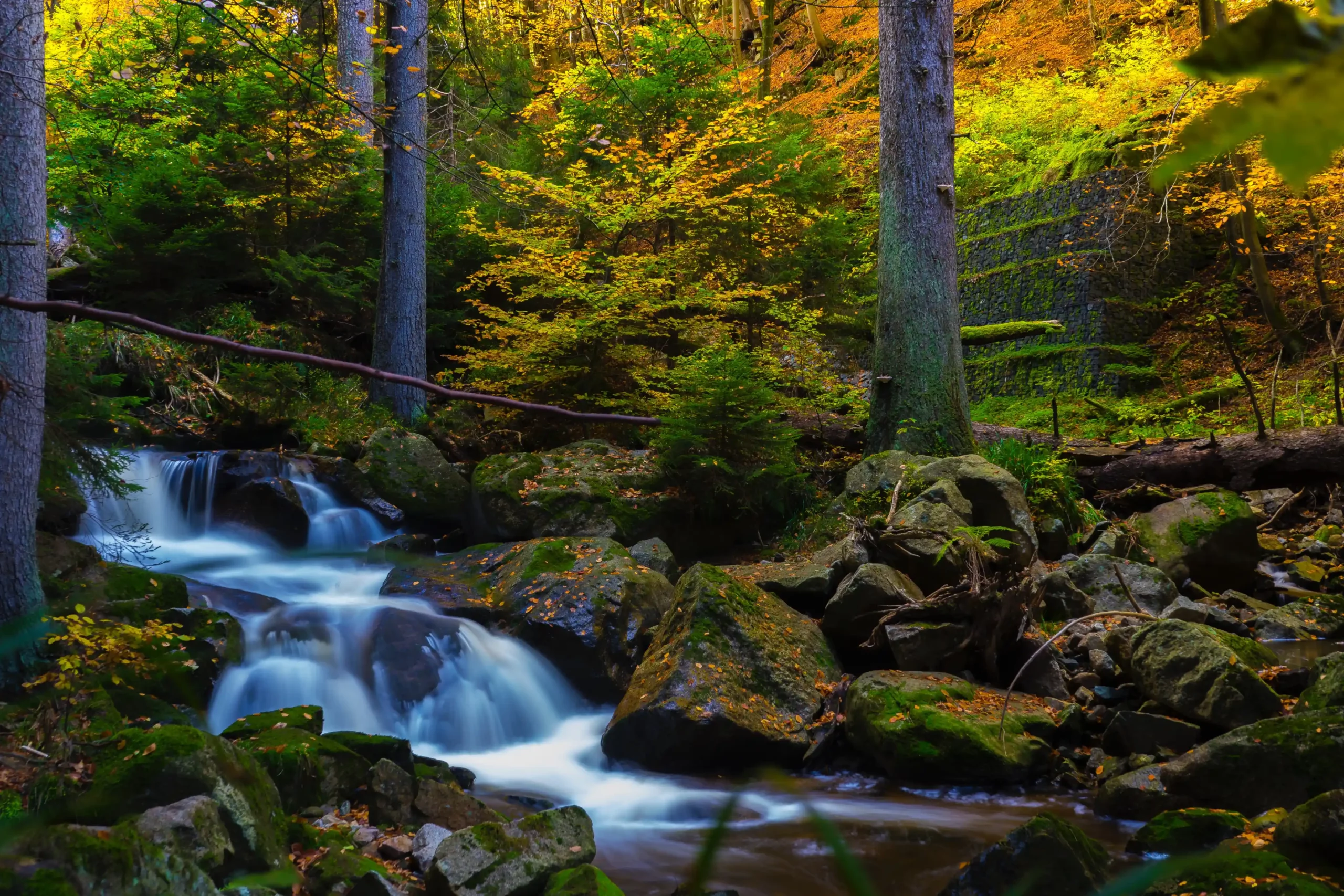
10 Stunning Landscape Photography Tips for Samsung Users
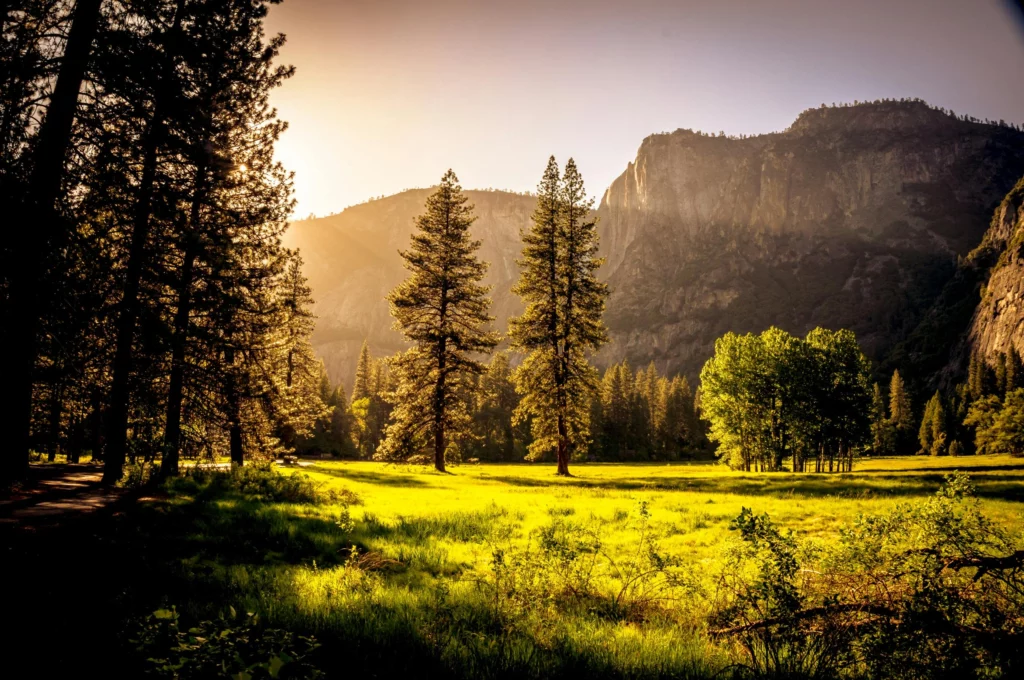
Capturing landscapes is more than just pointing your Samsung camera at a beautiful view — it’s about translating what you feel in that moment into an image that resonates with others. Whether it’s a mountain range, a beach at sunrise, or a city skyline, these tips will help you create jaw-dropping landscapes that are sharp, balanced, and full of life.
1. Scout Your Location Before Shooting
Preparation is everything in landscape photography.
-
Use Google Maps & Street View: Find the best vantage points ahead of time.
-
Check the Weather: Cloudy skies can create drama, while clear days give brighter tones.
-
Pro Tip: Use apps like PhotoPills to see sunrise/sunset times and light direction.
2. Shoot During the Golden and Blue Hours
Lighting changes the mood of your landscape dramatically.
-
Golden Hour: Soft, warm light after sunrise or before sunset adds depth and warmth.
-
Blue Hour: The twilight period before sunrise or after sunset gives moody, cool tones.
-
Pro Tip: Turn on Pro Mode to fine-tune exposure during these tricky light moments.

3. Use a Tripod for Maximum Sharpness
Even with Samsung’s stabilization, landscapes benefit from complete stability.
-
For Low Light: Keeps the shot crisp without boosting ISO (which can add noise).
-
For Long Exposures: Capture silky water, moving clouds, or light trails.
-
Pro Tip: Use a Bluetooth shutter or timer to avoid shake when pressing the shutter button.
4. Activate Grid Lines for Better Composition
Composition is what makes your photo feel balanced and intentional.
-
Rule of Thirds: Place the horizon on the upper or lower third, not the center.
-
Leading Lines: Roads, rivers, or fences guide the viewer’s eye into the scene.
-
Pro Tip: Experiment with symmetry in reflections — Samsung’s ultra-wide lens works wonders here.
5. Use Ultra-Wide Lens for Impact
Samsung’s ultra-wide camera is perfect for landscapes.
-
Capture the Entire Scene: Great for mountains, fields, or cityscapes.
-
Avoid Distortion: Keep the horizon straight to prevent unnatural curves.
-
Pro Tip: Combine ultra-wide shots with foreground interest — like flowers or rocks — for added depth.
6. Master Focus for Landscapes
A landscape should be sharp from front to back.
-
Tap-to-Focus: On a point about one-third into the frame for optimal depth.
-
Pro Mode Focus: Set to infinity for distant scenes.
-
Pro Tip: If your foreground is important, focus there and increase aperture for more depth of field.
7. Play with Exposure for Drama
Don’t let the camera’s auto mode decide everything.
-
Expose for the Highlights: Prevents overblown skies.
-
Underexpose Slightly: Adds richness and color to skies during sunset.
-
Pro Tip: Use Samsung’s HDR setting to balance bright skies and darker foregrounds.
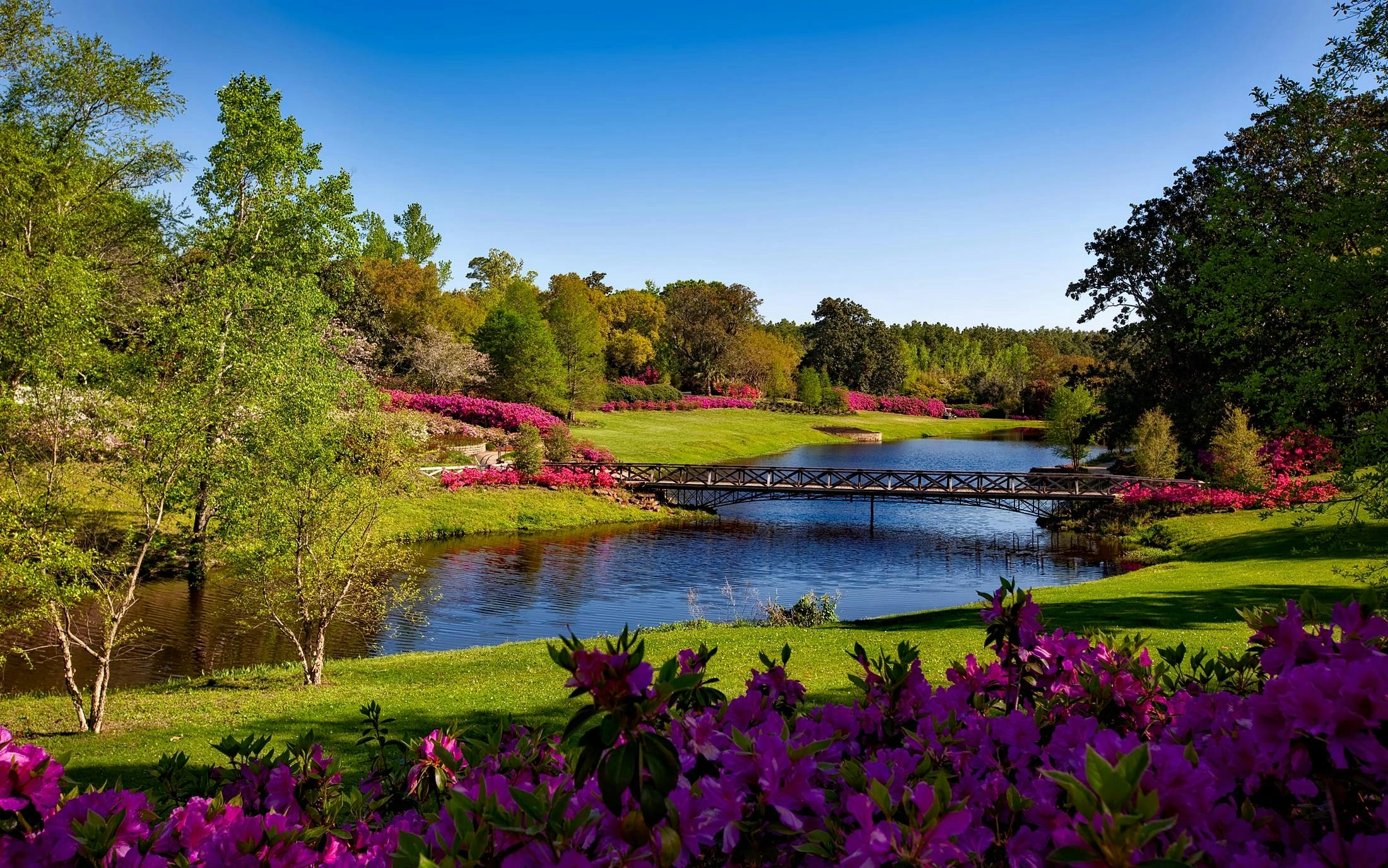
8. Include Foreground Elements
Foreground interest adds scale and pulls the viewer into the scene.
-
Ideas: Rocks, flowers, logs, pathways, or waves.
-
Pro Tip: Get low to the ground for dramatic perspective with your foreground object.
9. Capture Movement in the Scene
Motion can make a landscape feel alive.
-
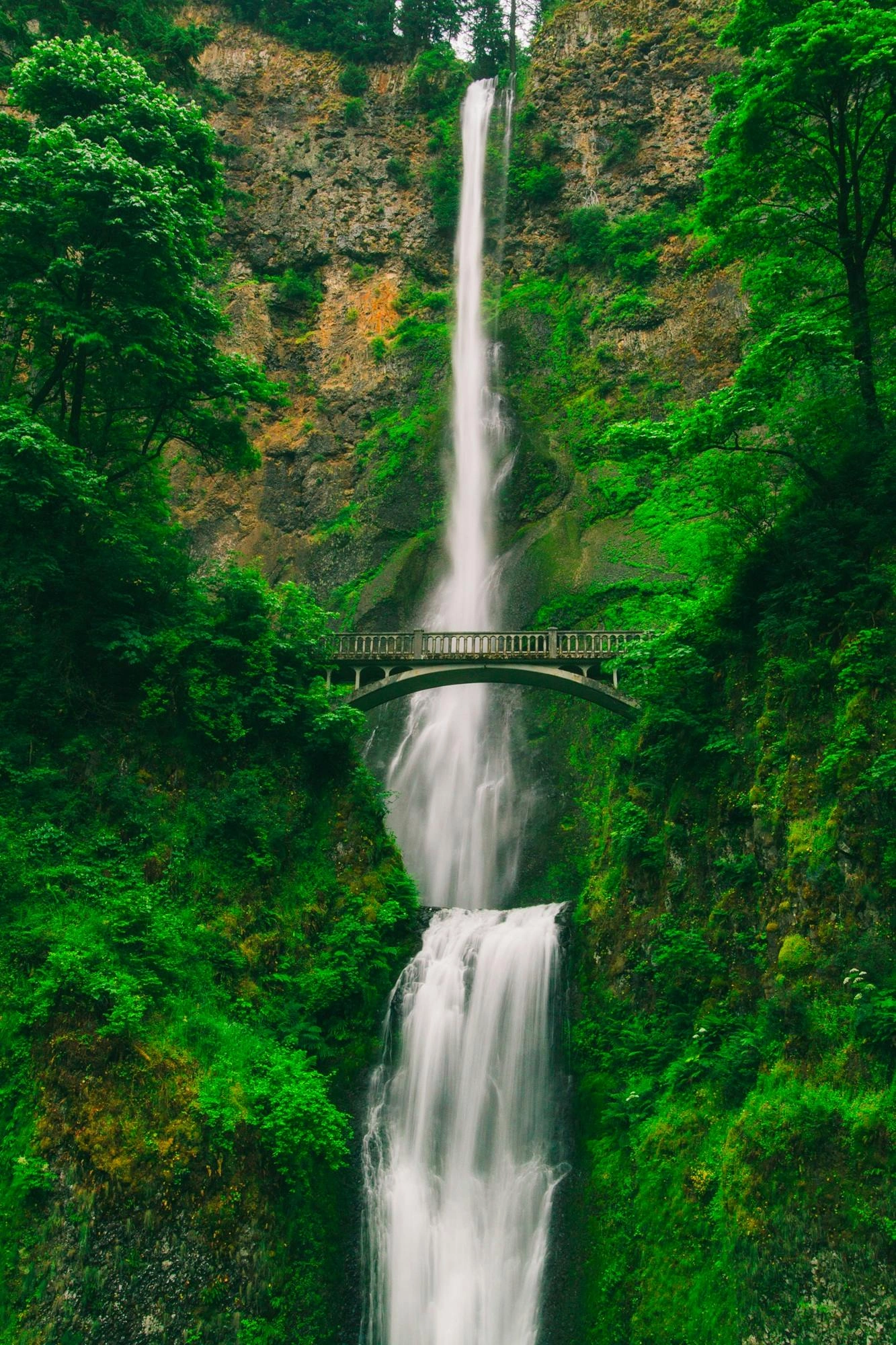
Water: Use longer shutter speeds for smooth rivers or waterfalls.
-
Clouds: Create dreamy streaks with a slow shutter.
-
Pro Tip: Use ND filters with Samsung-compatible clip-ons to extend exposure time without overexposing.
10. Edit for Impact, Not Overload
Editing should enhance, not fake the scene.
-
Boost Contrast & Clarity: For a crisp, detailed look.
-
Adjust White Balance: Match the mood — warmer for sunrise, cooler for twilight.
-
Pro Tip: Use Samsung’s built-in editing tools for quick fixes, or export to Lightroom Mobile for finer control.
Conclusion:
With the right preparation, settings, and creative vision, your Samsung phone can capture landscapes that look like they belong in a gallery. Next time you’re in front of a breathtaking view, remember — it’s about telling a story through composition, light, and emotion.